Prior to arriving in SF, I saw Ramp's implementation of a tourguide that could navigate their website and answer questions for their users. "I could build that." I was so wrong. I didn't have enough technical or background knowledge about agents to build something like that. The ideas was put on the backburner for a while - until I met my new roommate Ethan. Ethan spurred my interest in agents and gave me a couple of sources/papers to look into, so I decided to give the idea another shot with Navi.
Navi is a AI onboarding agent that I initially built for easy plug-and-play. My initial hypothesis was that current AI agents struggle with navigating websites, so to increase accuracy and personalize agents for enterprise use cases, we should use a company's internal data or possibly part of their codebase to equip Navi.
Note: This project used Supabase for the backend, but the free-tier DB expired after 90 days. Source code is available and can be relaunched if needed.
The Vision
My goal was to create an AI agent that could interact with web pages just like a human would. I imagined a system that could click buttons, fill out forms, scroll through content, and extract relevant information - all based on a user's natural language instructions. The challenge was not just in the AI decision-making, but also in the intricate dance of web interactions and visual understanding. It also had to be personable and friendly, not some automated-like response.
The development process began with research into existing solutions, leading to the discovery of Web Voyager. This served as a foundation for building and iterating upon the base script. Initially, a single page was created to test the agent's capabilities.
Constant Parsing
The problem with Web Voyager was that it parsed the website prior to every action it took, which was extremely slow. A newbie mistake I feel, but I spent time creating a couple python scripts that parsed portions of the internal codebase and used Firecrawl to scrape the rest to then load directly into a vector database. My thinking was that if I could load the entire website into a vector database, then I could just use a retriever to pull the information I needed and avoid parsing parsing the entire website prior to every action.
This does not work for several reasons:
- The user context (where the user is/what page user is on) is not incorporated
- External info was provided in responses (which maybe could've been avoided with some prompting)
- Too many state changes occur, and the agent was not able to recognize this unless u parse constantly.
However, it was 50% quicker than constant parsing though. Still not ideal.
No Metadata
Web Voyager seemed like it was only using vision - at least in the sample script. So if a page called "Tea" was on the site, but not visible on the user screen, it wouldn't be able to help the user find it. Because of this, it was:
- Unable to read metadata that contains components, elements, and other details.
- Unable to provide relevant answers.
- Loops until rate limited
- Struggles to navigate between routes unless experienced itself
Again, not ideal.
Bandaid Fixes
The web_tour_html.py script addresses previous limitations by implementing an efficient enhanced_content_analysis function. This function extracts relevant information from the current page's HTML content, including metadata, without parsing the entire website before each action.
async def enhanced_content_analysis(page):
    html_content = await page.content()
    soup = BeautifulSoup(html_content, 'html.parser')

    return {
        'elements': extract_elements(soup),
        'headings': extract_headings(soup),
        'links': extract_links(soup),
        'images': extract_images(soup),
        'forms': extract_forms(soup),
        'buttons': extract_buttons(soup),
        'structured_data': extract_structured_data(soup),
        'meta_tags': extract_meta_tags(soup),
        'main_content': extract_main_content(soup),
        'keywords': extract_keywords(soup),
        'text_content': extract_text_content(soup)
    }
We've also made sure our agent doesn't get lost or stuck in loops by keeping track of where it's been and what it's done. It's almost like it's leaving breadcrumbs as it explores. And the best part? It can now "see" all the important parts of a webpage, even the stuff that's not visible to the naked eye. This means it can make smarter decisions and give more helpful answers, all while working much faster than before. It's not perfect yet (and still loops sometimes), but it's certainly a big step up from where we started!
What's particularly interesting is how the system translates these decisions into user-friendly instructions. It doesn't just execute actions; it explains what it's doing in a conversational, almost human-like manner.
Playground
The playground was a simple eccommerce website. Here, the user approved each step. Super rough draft.
After several chats, I realized that confirmation after each step was not needed. People actually did not care about approving each step. They just wanted to know that it's done.
So, I whipped V2, a streamlined apple-esque design with the help of Vercel's V0.
Design
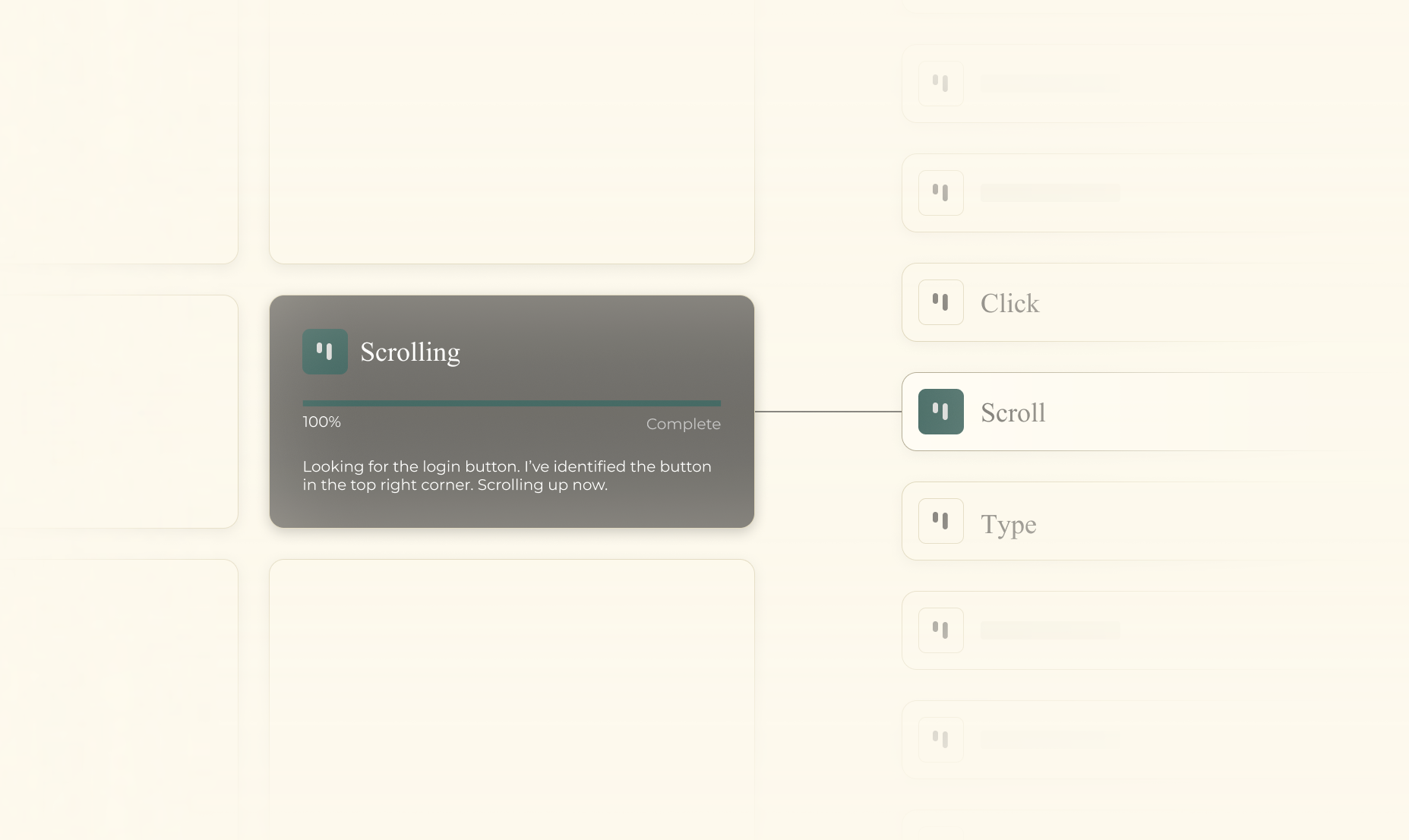
I decided to make this some design practice and created the Navi theme. It was supposed to represent a professional, yet friendly and approachable agent. Most agents aren't personable in their design, so I wanted to make Navi stand out in that regard. With different emotions based on different stages, the user can feel more connected to the agent, rather than think of it just as another "robot."
Tests
Here, the user struggles to find the log in button and asks Navi. The agent is able to find it, navigate to the button with it's cursor, highlight it, and answer the user's question. It highlights the element, which indicates that the "click" action was successful.
Here, the user asks for a page that's not visible. The agent is able to find it and answer the user's question, navigate to the page, and take action. It highlights the element, which indicates that the "click" action was successful and enters the page.
Challenges
Although cool on screen, the agent is, of course, unable to achieve 100% accuracy in its tasks. It's around 30-40% accurate. It's simply too unpredictable. Some problems and potential solutions to work on include:
- Constant looping when task is not complete
- Not able to pick up on smaller, more subtle elements
- Unable to quickly retrieve the fastest path. Could potentially let the agent explore the site entirely and save the paths into a vector db. When the user queries, it would simply grab the fastest path.
- Place the description of the agent step next to the cursor.
- ...and much more in the README
I believe with more time I can experiment and implement more methods that could improve the accuracy, but for now it's def not ready for production. I've limited parsing to slightly increase the response rate, but it's still parsing at every action. Regardless, I'm happy with the results because I never would've been able to do this a couple of months ago, so it was nice to revisit the problem and actually get a demo going.
Thanks v0 for making the design implementation intuitive and Browserbase for headless browser automation!
One of the most valuable lessons was the importance of robust error handling and graceful degradation. Web pages can be unpredictable, and I had to ensure my system could handle unexpected situations without crashing.